

In today’s digital landscape, where web applications are becoming increasingly complex, optimizing frontend bundle size has become crucial. JavaScript frameworks play a pivotal role in building dynamic and interactive user experiences, but they often result in bulky bundles that can adversely impact website performance.
The bigger the project size, the longer it takes to download the resources necessary for displaying it in a browser—and users who experience slow-loading pages are less likely to return! Additionally, having a reasonable project size is especially critical if you’re browsing via mobile device, or if there are network problems.
So, an uncontrolled increase in bundle size can quickly become a problem. There are a ton of hacks and ways to make bundle sizes smaller, like tree shaking, lazy loading, or removing unused dependencies. We will explore various strategies and best practices for optimizing frontend bundle size specifically tailored to JavaScript frameworks. By implementing these techniques, developers can enhance website speed, reduce bandwidth consumption, and provide a smoother user experience.
Use smaller libraries
We highly recommend paying attention to the sizes of the packages you install and make note of how the overall bundle size increases when doing so.
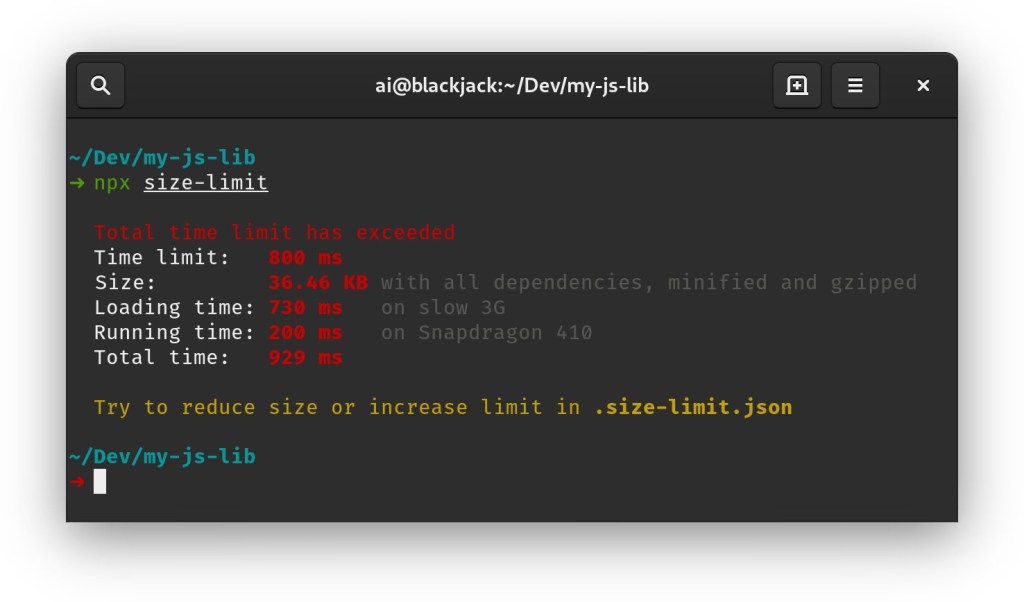
Thankfully, to make this task easier, we can use Size Limit, a performance budget tool that shows how the bundle size of a project will be affected after adding a library. It can even calculate the time it would take a browser to download and execute the code.
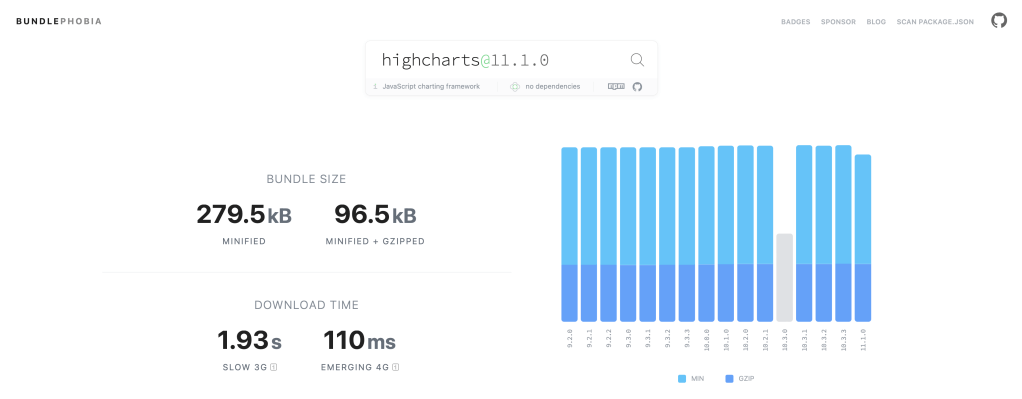
We can also ensure small bundle sizes by giving library size its proper consideration as we choose a package from one of several analogs. There’s a handy tool which makes this really easy: Bundlephobia it checks the size of an npm package and analyzes its impact on application performance. Beyond merely showing the size of a particular library, it also has other valuable development information, such as showing the size effect of dependencies on the composition of the library, as well as its download time from npm.
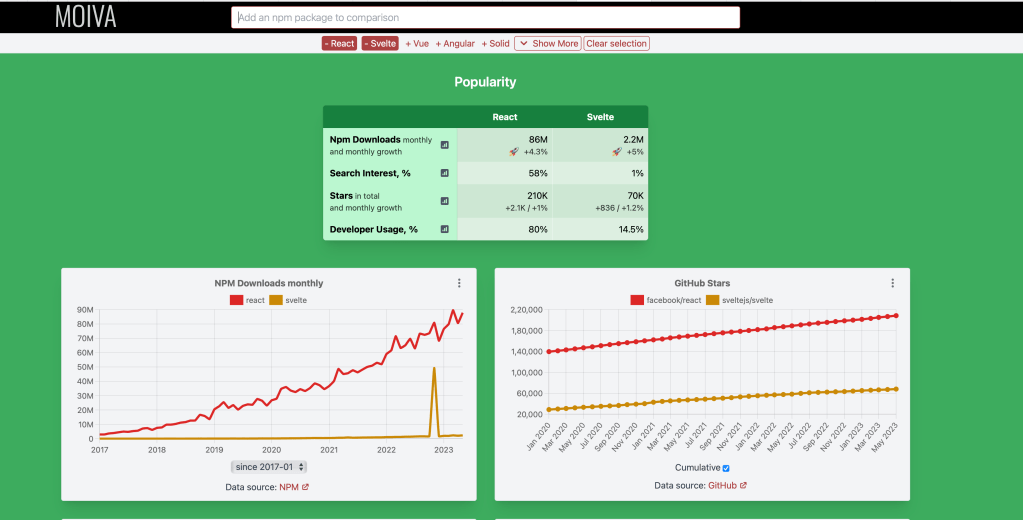
Another cool tool is Moiva who’s main goal was to provide developers with a good tool to evaluate and compare npm packages in different dimensions – Popularity, Maintenance, Security, etc.
Use optimized images
Pictures and icons make up a significant percentage of a site’s total resources, so smaller image sizes can greatly impact a project’s overall size.
Here comes Squoosh to the rescue. It’s a really handy web app that compresses and reduces image sizes. And super helpfully, it also instantly shows the images post-compression, so you can immediately see the balance of performance/image quality. Plus, with Squoosh, you can work with all modern image formats and perform image format conversion.
It’s very important to keep size in mind, and it’s also important to use appropriate image formats; new formats like WebP and AVIF perform better than older formats like PNG.

Are there any other tools/tips/steps you use for optimising your frontend bundle size? Let me know in the comments below
 Kenrick Vaz