
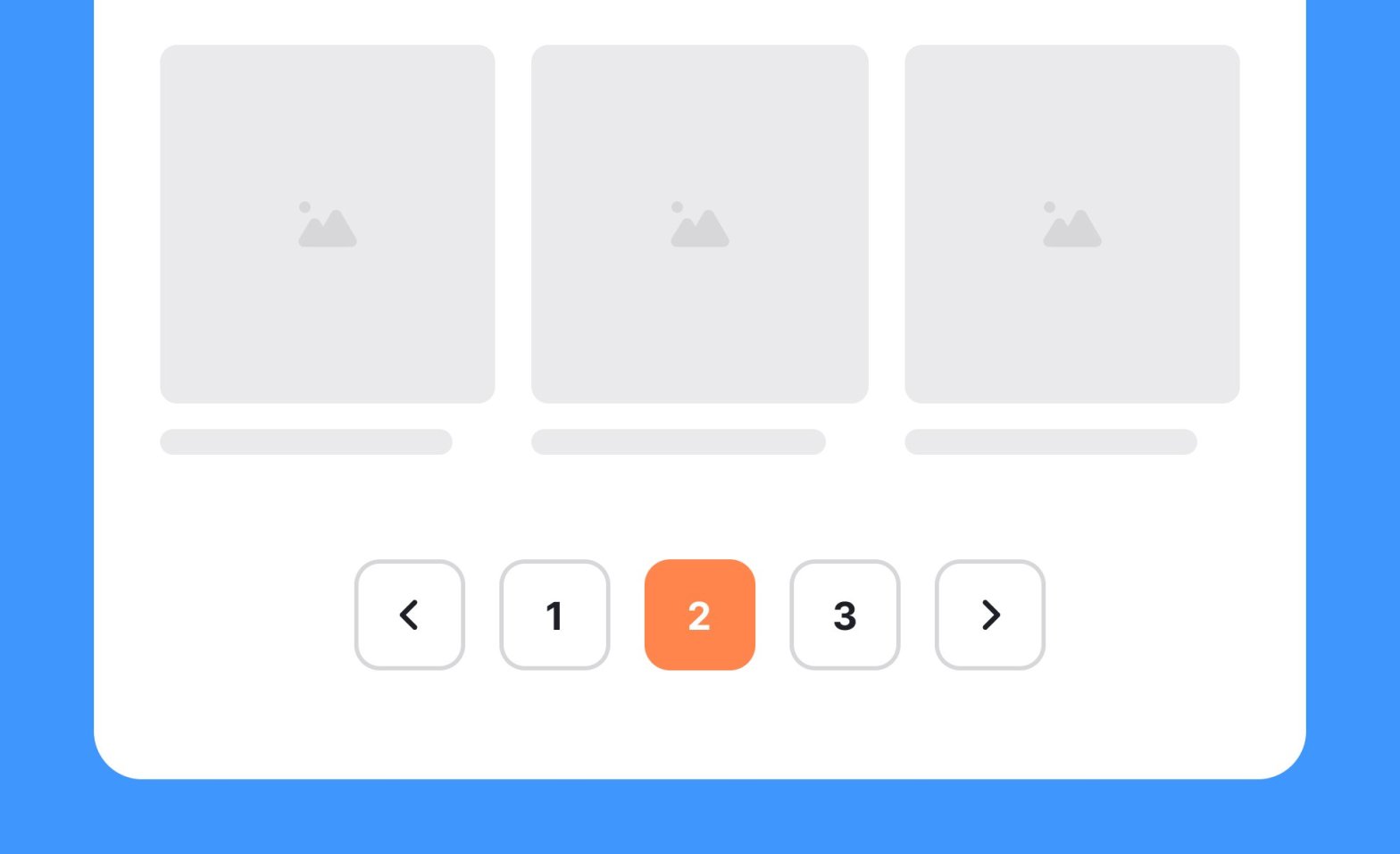
It’s been a great experience interacting with our freshers while assessing their projects at the end of their fullstack training. One of the key things that I observed was the concept of pagination wasn’t implemented. Pagination is a crucial concept in both API and frontend development. It allows developers to manage and present large datasets efficiently, enhancing user experience and performance. So I thought I’d put this article together.
Why Pagination is Important
When dealing with large datasets, loading all data at once can be impractical and inefficient. Pagination addresses this by breaking the data into manageable chunks, or pages, that can be loaded as needed. This approach benefits both performance and usability:
- Performance: Reduces the load on servers and clients by limiting the amount of data processed and transferred.
- Usability: Enhances user experience by presenting data in digestible pieces, preventing overwhelming the user with too much information at once.
Pagination in APIs
Implementing pagination in APIs involves structuring the API endpoints to return a subset of data rather than the entire dataset. Here are common methods to achieve this:
Offset-Based Pagination:
- How it works: Uses an offset and a limit parameter to define the starting point and the number of records to retrieve.
- Pros: Simple to implement and understand.
- Cons: Can be inefficient for large datasets as the offset increases.
- Example:
GET /items?offset=20&limit=10Cursor-Based Pagination:
- How it works: Uses a cursor, which is a reference to a specific record, to retrieve the next set of records.
- Pros: More efficient for large datasets and changes in data.
- Cons: Slightly more complex to implement and manage.
- Example:
GET /items?cursor=abc123&limit=10Keyset Pagination:
- How it works: Uses a unique identifier (like a timestamp or ID) to fetch records greater or less than a given key.
- Pros: Highly efficient for ordered datasets.
- Cons: Requires indexed fields for performance.
- Example:
GET /items?after_id=100&limit=10Hybrid Pagination
- How it works: This technique combines multiple pagination techniques to leverage their strengths. For example, combining cursor and time-based pagination for efficient scrolling through time-ordered records
- Pros: Can offer the best performance and flexibility for complex datasets
- Cons: More complex to implement and requires careful design
- Example:
GET /items?cursor=abc&start_time=xxx&end_time=yyyBest Practices for Pagination in APIs
- Consistent Response Structure: Ensure the API response includes metadata like total count, current page, and next/previous links.
- Limit Parameters: Implement sensible default limits and allow clients to specify custom limits up to a maximum value.
- Error Handling: Handle edge cases such as out-of-range pages gracefully and return appropriate error messages.
Pagination in Frontend Development
On the frontend, pagination is about presenting data pages to users and navigating between them smoothly.
Here are key considerations and techniques:
- UI Components:
- Pagination Controls: Implement buttons or links to navigate to the next, previous, first, and last pages.
- Page Indicators: Display current page number and total pages to inform users about their position in the dataset.
- Fetching Data:
- Asynchronous Requests: Use asynchronous calls (e.g., AJAX, Fetch API) to load data for the requested page without reloading the entire page.
- State Management: Maintain the state of current page and data using state management libraries (e.g., Redux) or React’s useState and useEffect hooks.
- Loading Indicators:
- Spinner or Skeleton Loader: Show a loading indicator while fetching data to improve user experience.
- Infinite Scrolling:
- Alternative to Traditional Pagination: Load more data as the user scrolls down, providing a seamless experience. Use Intersection Observer API to detect when to fetch more data.
Here’s a simple example using React, the limit is left hardcoded as 10 just for this example, ideally it would come from a config file.
import React, { useState, useEffect } from 'react';
const PaginatedList = () => {
const [items, setItems] = useState([]);
const [page, setPage] = useState(1);
const [totalPages, setTotalPages] = useState(0);
useEffect(() => {
fetch(`/api/items?page=${page}&limit=10`)
.then(response => response.json())
.then(data => {
setItems(data.items);
setTotalPages(data.totalPages);
});
}, [page]);
const handleNext = () => setPage(page + 1);
const handlePrevious = () => setPage(page - 1);
return (
<div>
<ul>
{items.map(item => (
<li key={item.id}>{item.name}</li>
))}
</ul>
<div>
<button onClick={handlePrevious} disabled={page === 1}>Previous</button>
<span>Page {page} of {totalPages}</span>
<button onClick={handleNext} disabled={page === totalPages}>Next</button>
</div>
</div>
);
};
export default PaginatedList;Pagination is a vital feature for managing large datasets in both API and frontend development. By implementing effective pagination strategies and following best practices, developers can ensure better performance, scalability, and user experience. Whether through traditional page controls or modern infinite scrolling, pagination helps users interact with data efficiently and enjoyably.
 Kenrick Vaz